
Colors
Purpose
How to locate and update the site colors.
How to Locate Site Colors
- Beneath the URL in your browser, hover your mouse over the toolbar
- It will drop down, and all of the options will become available
- Navigate to the settings menu ⇒ scroll down to Design ⇒ click Site Colors
- Pop up will appear
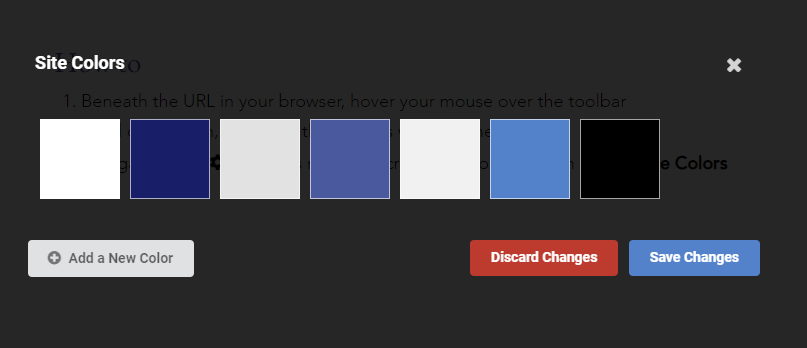
How to Add a New Color
- Click on Add a New Color
- Update the Color Name based on the use of the color (i.e. UI blue)
- Click on the Color block ⇒ Update the Hex or RGBA ⇒ Click Save Changes
- Click Save Changes once more