
Editing Section Settings
Purpose
Description of Section Settings, how to navigate to it, and edit them.
Section Settings Dialog Box
The Section Settings dialog box is used for configuring the design, functional, and layout properties of an individual section. It is divided into a series of tabs with related settings grouped together, the first of which is usually the Background tab. In most cases, this section is for advanced users who are manipulating the design of the section, however some special section types have configuration elements that can be changed. Examples include a special donate form that can have its email recipients and email subject changed according to a particular featured event, or a mailing list subscription form that is connected to a service like Constant Contact or MailChimp.
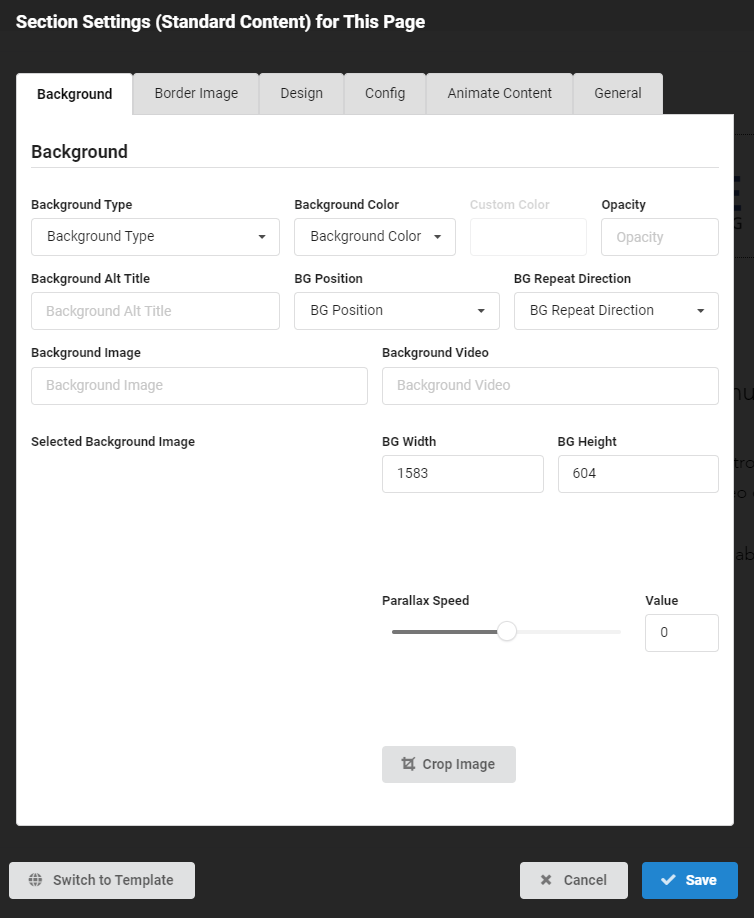
How to Navigate to Section Settings Dialog Box
- Once logged in, hover over the toolbar ⇒ select Edit Mode
- Move your mouse around the body of the website
- This will cause the different sections of your website to light up with a light blue border
- On the top right, a group of buttons will appear to show you the various options for editing the Section Settings
- Click pop up will appear ⇒ edit accordingly