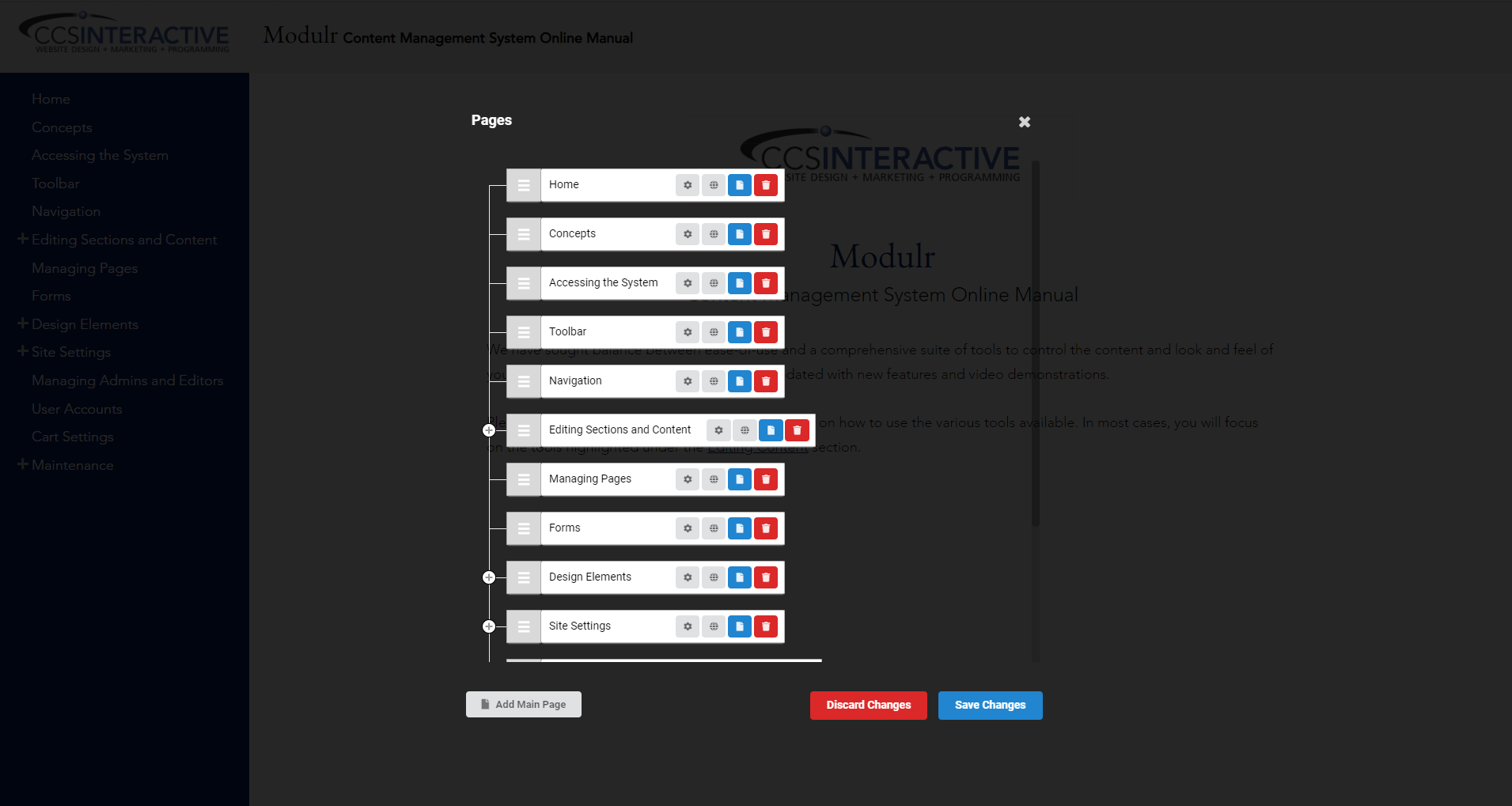
Managing Pages
Purpose
How to manage Pages in your website.
To rearrange the order or edit the following pages:
- Page Settings
- Page Handles
- Add Sub Page
- Removed Page
How to Manage Pages
- Hover over the toolbar
- It will drop down, and all of the options will become available
- Navigate to the settings menu ⇒ select Pages