
Page Templates
Purpose
How to locate, edit, or duplicate page templates. Page templates consist of "Standard Content" boxes.
How to
- Beneath the URL in your browser, hover your mouse over the toolbar
- It will drop down, and all of the options will become available
- Navigate to the settings menu ⇒ scroll down to Design ⇒ click Page Templates
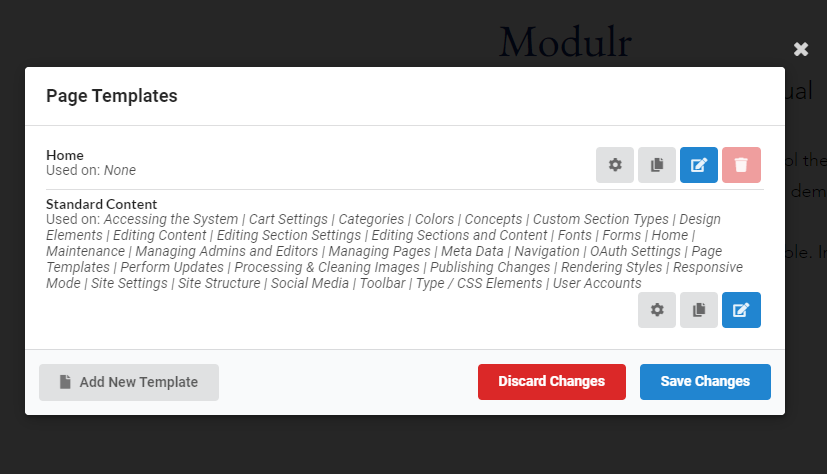
- Select to edit template settings
- Click to duplicate the page template
- Click to edit template structure